From Idea to App Store with AI Coding Agents
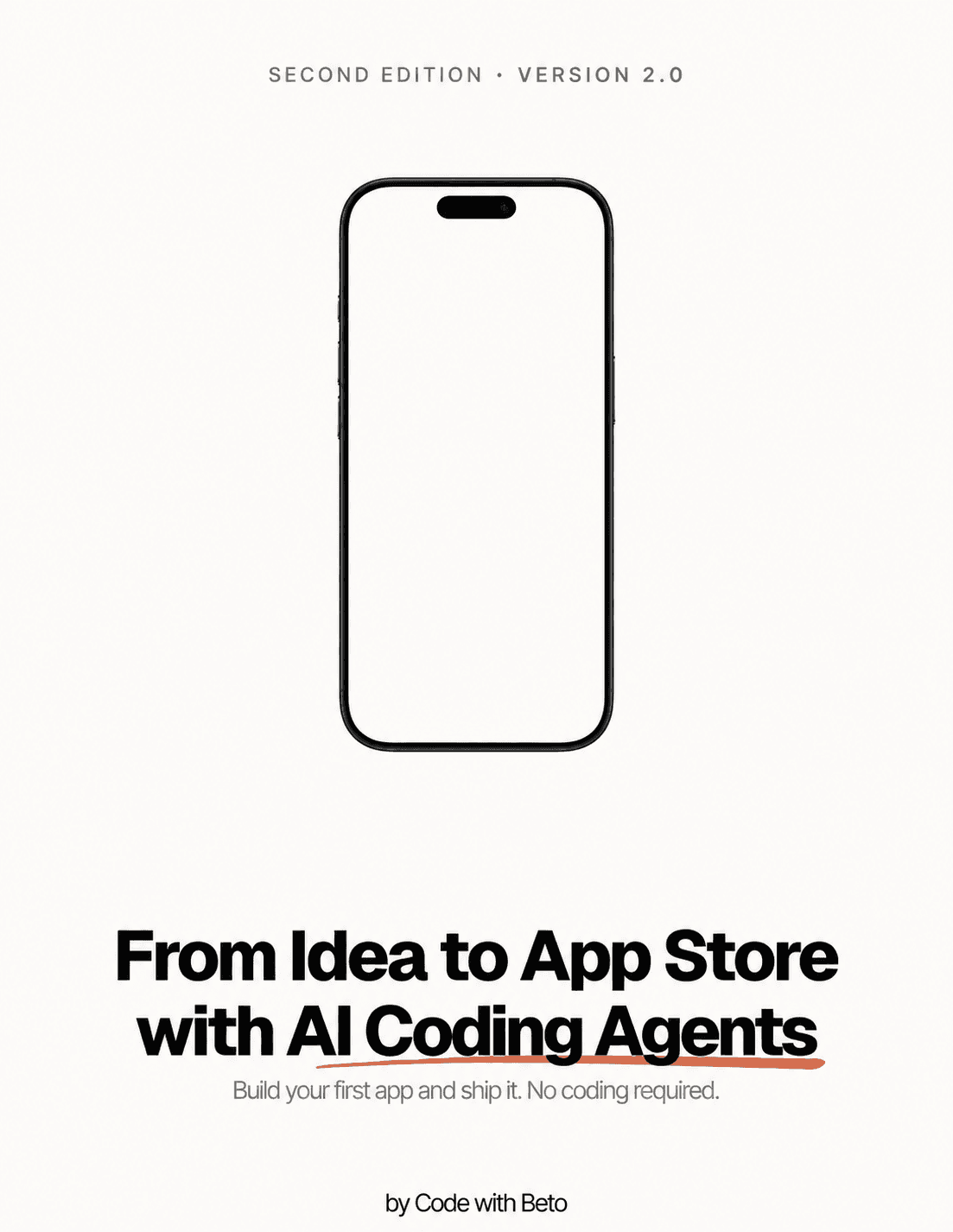
The new 2.0 edition is here.
The second edition takes you from your first prompt to App Store submission, with new examples and a practical path for beginners.
- Turn your idea into a clear plan
- Build with Claude Code, Codex, or your preferred agent
- Choose native iOS or build with Expo
- Test your app and prepare for App Review
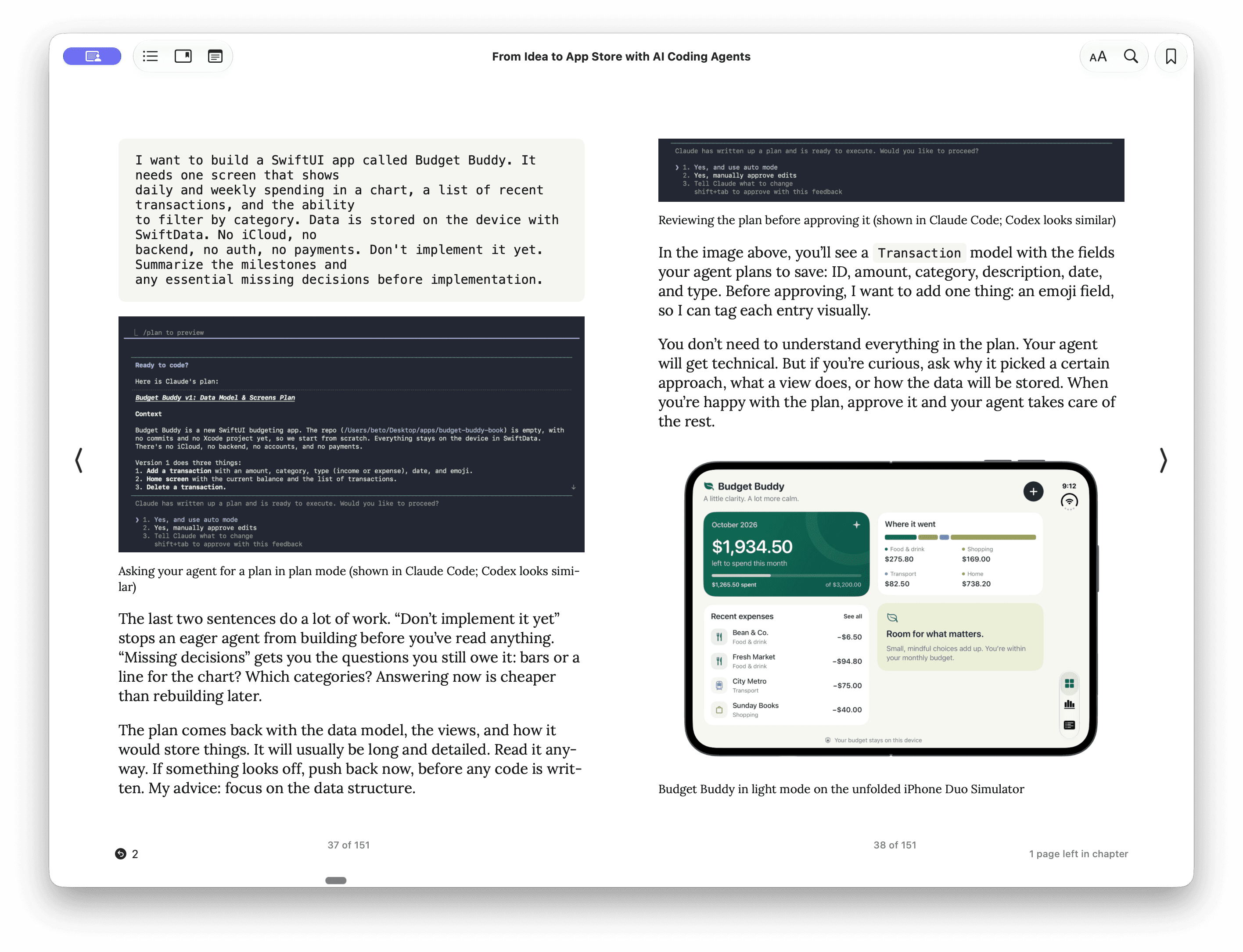
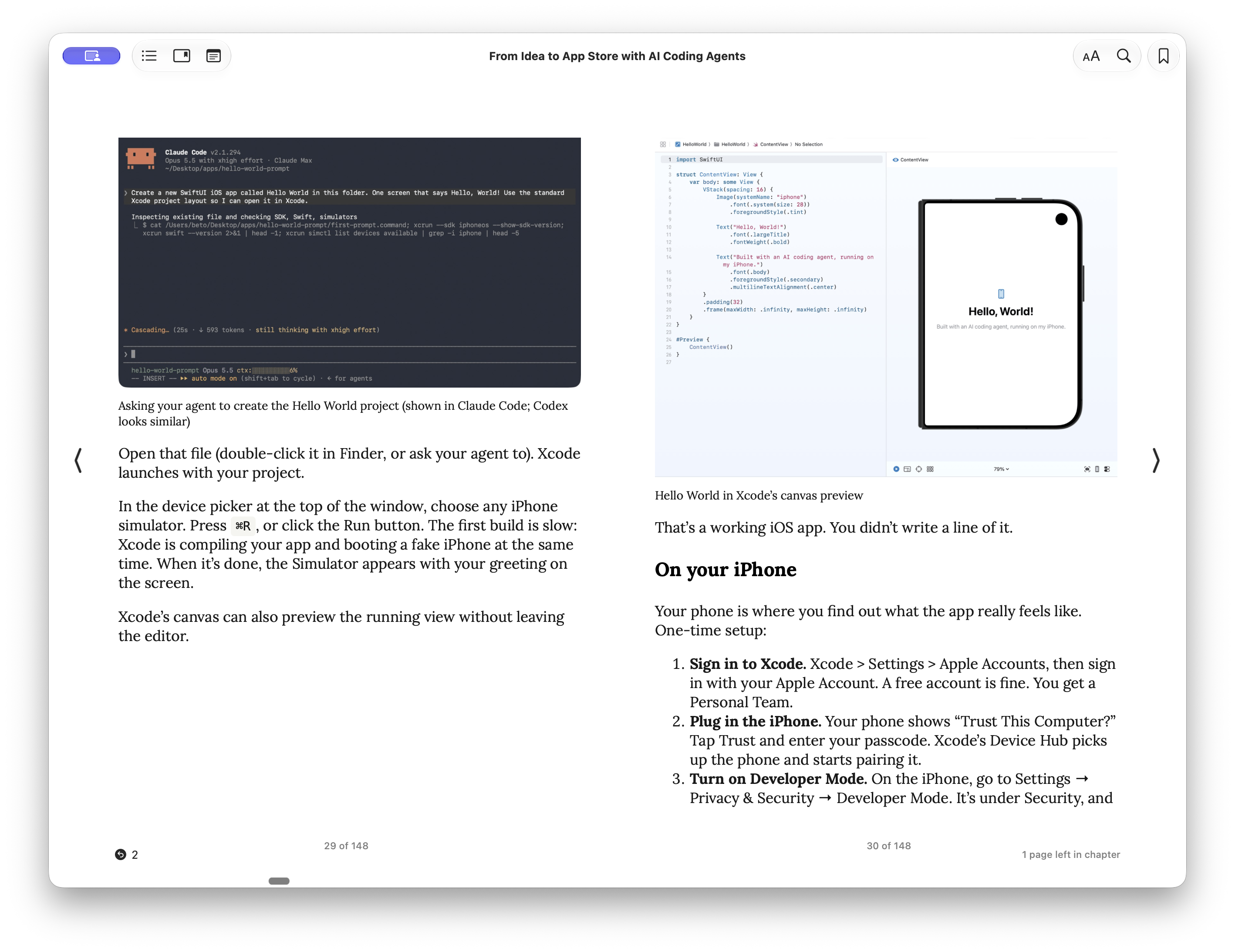
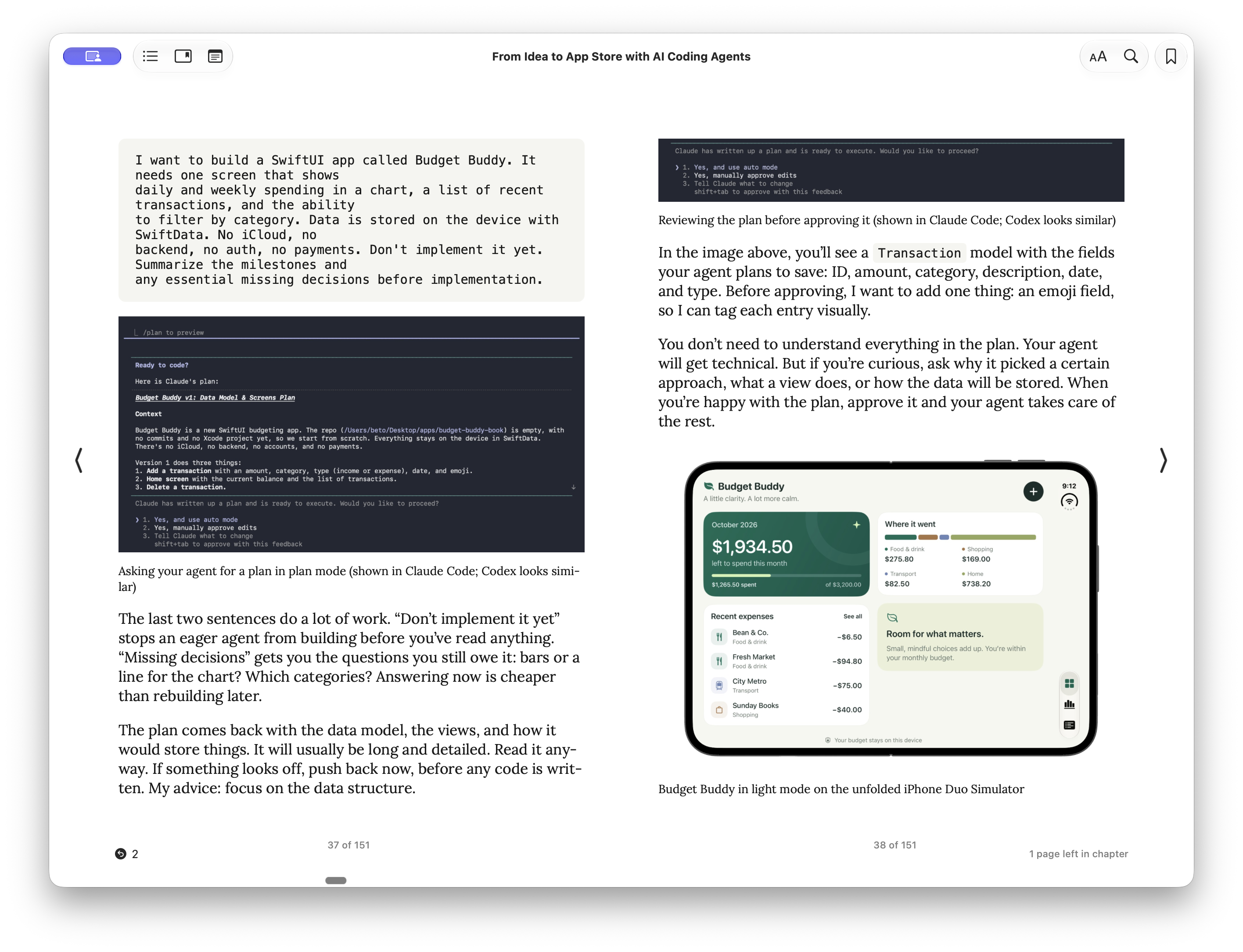
A look inside the new edition
Why this book
An AI coding agent can write the code. You still need to decide what to build, explain it clearly, check the result, and know what comes next.
This book gives you that mental model. You'll learn how to turn an app idea into small, testable steps instead of hoping one giant prompt gets everything right.
Use Claude Code, Codex, or your preferred agent. The goal is to understand the process well enough to keep moving when the tools change.
About
From Idea to App Store with AI Coding Agents is a practical guide for people who want to build a mobile app without learning to write every line of code themselves.
The second edition follows a native iOS walkthrough with SwiftUI, SwiftData, and Xcode, with an Expo lane for building across iPhone and Android.
You'll learn how to choose a framework, plan your app, guide your agent, test on real devices, prepare for App Review, and keep improving after launch.
What's included
- The complete second edition in EPUB and PDF
- One-time payment with lifetime updates to the book
- The mental models that stop you from getting lost mid-build
- A native iOS walkthrough and a separate Expo lane
- Prompts, agent commands, and skills you can use in your own project
- Practical guidance from your first Hello World to App Review and updates
Chapters
1 · Introduction
By the end of this chapter, you'll know exactly what you're building and why you can do it.
- . Who this is for
- . What you'll build by the end
- . How to use this book
2 · The Mental Model
You'll stop seeing apps as code and start seeing them as something you can actually build.
- . How mobile apps are built
- . Native and cross-platform development
- . Think like a director
- . How to think in components and abstractions (the Figma analogy)
- . Don't be afraid to start over: explore, extract, build
3 · Choose Your Framework
Pick the right starting point for your app before you ask your agent to build it.
- . Personal tool or public app
- . Web or mobile
- . Your four options
- . Why this book defaults to native iOS
- . What changes if you pick Expo
4 · Setup
Set up your tools and get your first Hello World app running.
- . What you need
- . Your Apple account
- . Install Xcode and your agent
- . The three windows you'll live in
- . Your first app on the simulator and your iPhone
5 · Plan Before You Build
You'll know exactly how to break your idea into real steps before writing the next prompt.
- . Break your idea into small, shippable features
- . Start with the foundation, not the UI
- . The development cycle: plan, build, iterate
- . Let your agent plan with you
6 · Prompting Effectively
Give your agent useful context and learn how to recover when the output misses the mark.
- . Anatomy of a good prompt
- . Providing high-quality context
- . Bad prompt vs good prompt
- . Agents follow your framing
- . How to recover from bad output
- . Know when to start a new session
7 · Save Your Progress
Use Git and branches as a safety net while you experiment.
- . Save checkpoints before you make changes
- . Git as your safety net (your agent handles it)
- . Adding features cleanly with branches
8 · Skills Pack
Give your agent reusable guidance that fits the app you're building.
- . What skills are and how to install them
- . Apple's own skills
- . Community skills for native apps
- . Skills that help you ship
- . Skills that make skills
- . How to tweak a skill for your project
9 · Get Ready for App Review
Understand what reviewers look for before you submit your app.
- . What review actually is
- . The twelve rules that catch AI-built apps
- . Before you tap Submit
10 · Deploy
You'll submit your app to the App Store and Play Store with confidence.
- . What "ready to ship" really means
- . Naming and identity
- . App icon and splash screen
- . Permissions and privacy strings
- . Your Apple Developer account and App Store Connect
- . The questionnaires you can't skip
- . Screenshots that actually convert
- . Your first build
- . TestFlight: real devices, then testers
- . Google Play (Expo lane)
- . Submitting for review
- . Common rejection reasons (and how to fix them)
- . The submit-day checklist
11 · Ship, Watch, Iterate
You'll know how to keep improving your app after it's live and handle real users.
- . The first 24 hours
- . Shipping a new feature
- . Shipping a new version
- . Your first 100 users
- . Reviews, crashes, and numbers
- . Your AI bill
- . The iteration loop, post-launch edition
12 · What's Next
You'll know exactly where to go from here to keep building and growing.
- . What you just did
- . The next problems you'll hit
- . Going deeper on the fundamentals
- . The community
- . A note on shipping
13 · Appendix
Everything you need in one place: prompts, references, and tools to use on every future build.
- . Prompt cheat sheet (Planning, Building, Debugging, Git, Shipping)
- . Agent command table
- . Skills installation reference
- . Glossary
- . What this will cost you
- . Resources
One last thing
Start with one small idea. Learn to plan it, build it with your agent, test it, and take it through release. Keep the book nearby as you work through each step.